User guide
What is ATLAS?
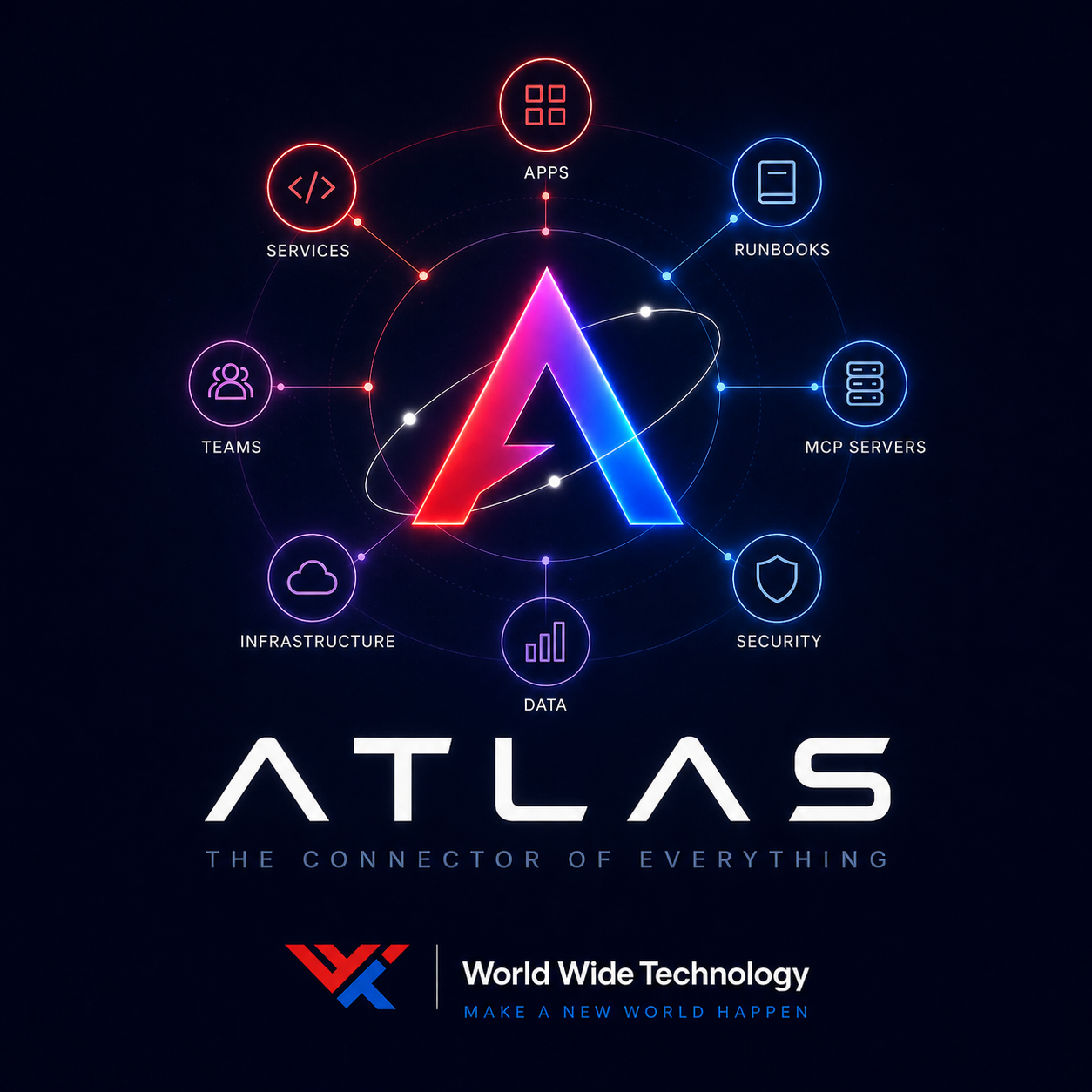
ATLAS is WWT's enterprise context engine and MCP registry. It's a single control plane that connects developers, applications, and AI assistants to approved enterprise capabilities — with governance, ownership, and audit built in from day one.
Enterprise Integration
See how ATLAS fits into your enterprise with Strata, ServiceNow, and other services. Interactive flow diagrams, before/after comparisons, and concrete examples.
View enterprise diagram
Architecture
Detailed component map showing every layer — from AI consumers through the ATLAS control plane to Kong Gateway, agentgateway, and enterprise services.
View architecture map
Two audiences, two paths
Most people who land in ATLAS are doing one of two things. The quickest way to get value is to know which one you are.
Connect an AI assistant
Cursor, Windsurf, Claude Code, GitHub Copilot, ChatGPT, custom MCP clients. Pick your assistant, declare a purpose, attach approved context packs and tools, copy the generated config. One endpoint, governed access.
Open the connection wizard
Register a capability
I have an API, MCP server, GraphQL endpoint, agent, or runbook I want others (and AI assistants) to find. New entries land in draft and metadata-only enforcement until reviewed.
Open the registration form
Plug in, reach everything — how registration works
When you register a capability in ATLAS, everything happens automatically. ATLAS provisions the right gateway (Kong for APIs, agentgateway for MCP/A2A) on-demand via Admin APIs. One form, instant routing, zero manual gateway config.
Plug In
Fill out the registration form at /register — or paste a URL and let Point & Discover auto-detect your service type. ATLAS creates a catalog entry with governance metadata (owner, risk, classification) and saves the routing info (server URL, base URL, transport type).
Reach
ATLAS provisions Kong (for REST/GraphQL/gRPC) or agentgateway (for MCP/A2A) on-demand via their Admin APIs. Routes, rate limits, auth plugins — all configured automatically. Your service is live and routable immediately. ATLAS never touches the data path.
Discover
Your capability is instantly searchable in the catalog and discoverable through the ATLAS MCP endpoint. Any AI assistant connected to ATLAS can find and use it. Health probes run periodically to keep status current.
Consume
Developers connect their AI assistant via /connect and get access to every registered capability. Traffic flows direct through Kong or agentgateway to your service — ATLAS handles discovery and governance, gateways handle routing.
Register once, provision everywhere
Traditional setups require you to register in a gateway, then in a catalog, then configure discovery separately. ATLAS eliminates this — one registration provisions Kong and/or agentgateway, creates the catalog entry, and makes it discoverable via MCP. All automatically. ATLAS is the control plane, not the data path.
What ATLAS owns vs what it wraps
ATLAS doesn't reinvent agent execution or the MCP runtime. It layers a control plane on top of open-source infrastructure and fills the gap with its own catalog, governance, and UX.
| Feature | Implemented by | Upstream |
|---|---|---|
| Capability catalog · /catalog · /ask | ATLAS | — |
| Governance overlay (owner / risk / classification / enforcement) | ATLAS | — |
| Context packs and organizational memory · /context | ATLAS | — |
| Intent resolution (keyword + tsvector + pgvector ANN) | ATLAS | — |
| Connect AI assistant wizard · /connect | ATLAS | — |
| Register a capability · /register (one-stop shop) | ATLAS | — |
| On-demand gateway provisioning (Kong + agentgateway) | ATLAS | — |
| Health probing for registered endpoints | ATLAS | — |
| Audit log with trace IDs · /audit | ATLAS | — |
| ATLAS-as-MCP streamable endpoint · /mcp | ATLAS | — |
| Gateway provisioning status · /runtime | ATLAS | — |
| Policy simulation UI · /governance/simulator | ATLAS | — |
| Developer self-service portal · /developer-portal | ATLAS | — |
| Try-it-out API playground · /playground | ATLAS | — |
| Persistent webhook subscriptions (DB-backed) | ATLAS | — |
| REST/GraphQL/gRPC routing + auth plugins | External | Kong Gateway |
| Per-call policy enforcement (Cedar) | External | agentgateway |
| Per-call access logs | External | agentgateway |
Every record carries an enforcement_status (metadata_only · simulated · enforced · disabled) so consumers always know which features are actually wired up versus documented for future implementation.
Problems ATLAS solves
MCP server sprawl
AI tooling is spreading across the org. MCP servers multiply with no way to discover what exists, how to connect, or which one fits a task.
How ATLAS helps: ATLAS catalogs every MCP server and exposes itself as an MCP server — any AI host plugs it in and instantly gets discovery + context.
Scattered institutional context
Apps, services, teams, runbooks, and datasets live across wikis, repos, chat, and tribal knowledge.
How ATLAS helps: ATLAS provides a single searchable home with owner, links, governance posture, and audit trail per entry.
No governance for AI tools
AI assistants can call any tool they discover — no visibility into risk, data classification, or who approved access.
How ATLAS helps: Every capability in ATLAS carries risk level, data classification, enforcement status, and approval requirements. Policy simulation lets you test before enforcing.
Ownership gaps
When something breaks at 2 AM, nobody knows who owns the service, where the runbook is, or who's on call.
How ATLAS helps: ATLAS links every capability to an owner team with support contacts, escalation paths, and on-call info. The governance dashboard highlights gaps.
What you can do in ATLAS
Search the catalog
Find APIs, MCP servers, MCP tools, AI agents, applications, services, and runbooks. Filter by type, team, risk, classification, or lifecycle status. Keyword search plus semantic matching finds what you need even if you don't know the exact name.
Ask ATLAS
Type a plain-language question like 'Who owns the certificate management platform?' or 'How do I create a ServiceNow incident from my AI assistant?' ATLAS resolves your intent, identifies the right capability, and shows you the owner, risk, approval path, and setup instructions.
Connect an AI assistant
Generate a ready-to-paste MCP configuration for Cursor, Windsurf, Claude Code, or any MCP-compatible client. One connection gives your assistant access to every governed capability in the catalog.
Browse context packs
Context packs bundle related capabilities, runbooks, teams, and organizational context into curated sets. They're designed for specific audiences — an SRE pack, a security review pack, an onboarding pack — so AI assistants get the right context without seeing everything.
Review governance posture
See at a glance: how many capabilities are high-risk, AI-accessible, metadata-only, missing owners, or stale. Simulate access policies before enforcing them. Every capability shows its enforcement status honestly.
Gateway provisioning
When you register a capability, ATLAS provisions it on-demand into the right gateway: REST/GraphQL/gRPC → Kong, MCP/A2A → agentgateway. View provisioning status and sync all capabilities from the runtime page.
Explore teams
Every capability has an owner team. Browse teams to see who owns what, find support contacts, and understand the organizational structure behind the catalog.
Review audit log
Every capability view, access request, policy simulation, context pack attachment, and runtime plan render is recorded with trace IDs. Use this for compliance, debugging, and understanding usage patterns.
Register a capability
Service owners register APIs, MCP servers, tools, agents, applications, services, or runbooks. Records start as draft/metadata-only and must be reviewed before going active. The secret scanner blocks any payload that looks like a raw credential.
Manage API tokens
Create and manage API tokens for programmatic access to the ATLAS API. Tokens are scoped and audited.
How capabilities enter the system
- 1
Registration
Capabilities can enter via the web UI form, the REST API, GitOps YAML files (reconciled automatically), Backstage import, or the provisioning API.
- 2
Enrichment
The embeddings worker computes vector representations for semantic search. Relationship edges (depends-on, exposes, delegates-to) are declared or inferred.
- 3
Discovery
Users and AI assistants search by keyword + semantic similarity. Intent resolution combines both signals with governance awareness.
- 4
Governance evaluation
Access policies are evaluated at query time. Every action is audit-logged. Enforcement status is always shown honestly.
- 5
Gateway provisioning
ATLAS provisions the capability on-demand into Kong (REST/GraphQL/gRPC) or agentgateway (MCP/A2A) via their respective Admin APIs.
Enforcement honesty
ATLAS never pretends to enforce something it doesn't. Every capability carries one of four enforcement statuses:
metadata_only
The catalog records governance intent, but no runtime enforcement exists yet. This is the default for new registrations.
simulated
Policy decisions are evaluated and logged, but not enforced. Use this to test policies before flipping to enforced.
enforced
Access policies are actively evaluated and enforced at runtime. Unauthorized requests are blocked.
disabled
Enforcement is explicitly turned off. The capability is visible but unprotected.
ATLAS as an MCP server
ATLAS is both an MCP registry and an MCP server. When you connect your AI assistant to ATLAS, it gets these tools:
| Tool | What it does |
|---|---|
| resolve_intent | Resolve a plain-language intent into a recommended capability + governance posture. |
| search_context | Hybrid search across the ATLAS catalog (capabilities + extensions). |
| get_entry | Fetch a single capability by slug. |
| find_mcp | Locate MCP servers and tools by capability/name/tag. |
| get_context_pack | Fetch a context pack with included capabilities/runbooks/teams. |
| list_context_packs | List context packs filtered by team/purpose/assistant type. |
| list_runbooks | List runbooks, optionally for a specific capability. |
| list_capability_dependencies | Return inbound + outbound relationship edges for a capability. |
| explain_capability | Plain-language explanation including governance posture and warnings. |
| whoami | Return the principal ATLAS sees for this session. |
Quick start
Run docker compose up to start the full stack (API, Web, MCP, Postgres, Redis, 5 mock services).
Seed the database: docker compose --profile seed up
Open http://localhost:3000 to see the catalog, governance dashboard, and all pages.
Connect your AI assistant: go to Assistant Setup and copy the MCP config.
Try Ask ATLAS — type "Who owns the certificate management platform?" and see intent resolution in action.